
What Happens When You Factory Reset a Phone
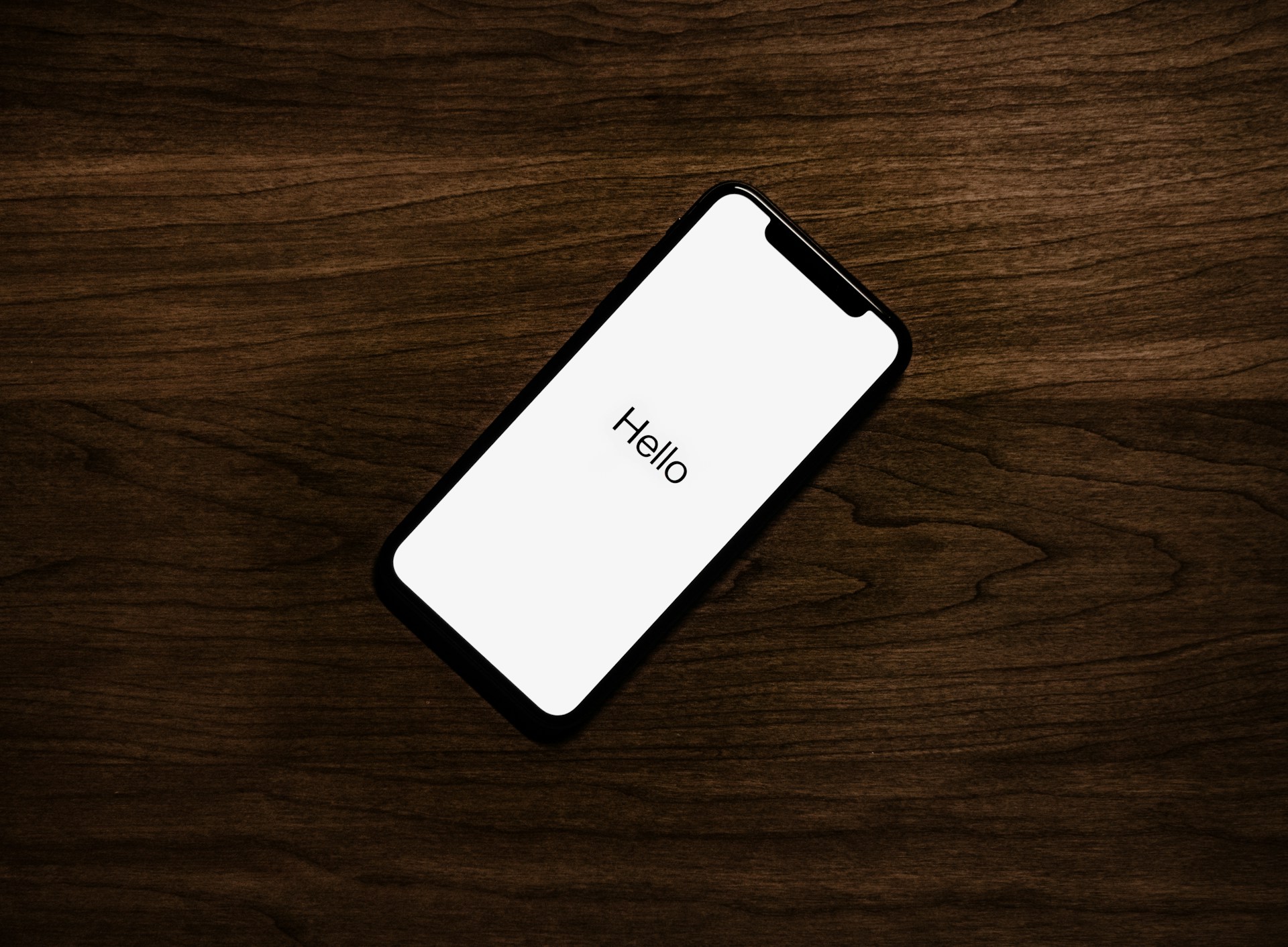
A factory reset returns a phone to its original state. Stored data, system-level accounts used for email, app downloads, and syncing, along with personalized settings, are removed, while the core system software stays in place.
From that point, the device starts in a clean, unconfigured state, similar to when it is first turned on.
The phone returns to a state with no saved data or sign-ins
Before a reset, a phone contains stored data, system-level accounts, and customized settings from regular use. Apps may be installed, files saved, and preferences adjusted over time.
After the reset, the phone no longer includes user data, accounts, or personalized settings. It starts in a default setup state, like a new device.
This reset behavior is consistent across most modern phones. The system no longer carries any information tied to earlier use.
Files, apps, and messages stored on the device are removed together
During the reset, anything added after the phone was set up is removed from internal storage. This includes apps, photos, videos, downloaded files, messages, and call history.
At the same time, the phone clears the local data connected to those items, returning its storage to an empty state aside from the system files needed to operate. This is similar to how data is removed when you delete emails, as explained in What Happens to Deleted Emails.
Accounts used for email, downloads, and syncing are removed from the device
The phone also removes the accounts it uses to access system features such as email, app downloads, and data syncing. Once the reset is complete, the device is no longer signed in to those accounts.
This change applies to how the phone connects to those services, not to the accounts themselves. The accounts continue to exist, but they are no longer active on the device. Data that exists outside the device may still be available through services like Cloud Storage.
System settings return to their original default values
Settings that were adjusted over time are restored to their original configuration. This includes display preferences, sound settings, notification behavior, and other system-level options.
After the reset, the phone uses the default settings that come with the operating system, without any prior adjustments.
The operating system remains while added content is cleared
The operating system that runs the phone remains in place. The core software continues to support the device after the reset.
What changes is everything layered on top of that system. User data, app data, and personalized configurations are removed, leaving only the base system in place.
This allows the phone to restart normally after the reset without reinstalling its main software.
The device restarts into the same setup screen seen at first use
Once the reset process is complete, the phone restarts automatically. Instead of opening to a home screen, it displays an initial setup screen.
This screen matches the state of the device when it is first powered on. No personal data or preferences are present, and the phone is not yet configured for use.
Data stored outside the device remains separate from the reset
Not all information connected to a phone is stored directly on it. Some data may exist in cloud services or on external storage such as memory cards.
The reset primarily affects the phone’s internal storage. Data stored outside the device is not cleared as part of this process.
This reflects how modern devices manage data across multiple locations rather than keeping everything on the phone itself.
The reset follows a consistent sequence that returns the system to baseline
The reset process affects several parts of the phone at the same time. Stored data is removed, system-level accounts are disconnected, and settings return to their defaults in a single sequence.
Each part of the system is returned to a consistent baseline so the device can start over without leftover data or configuration.
Because of this structured process, the outcome is consistent. The phone ends in a clean state regardless of how it was used before.
Putting it all in context
What happens when you factory reset a phone follows a clear and consistent pattern. The device keeps its core operating system, but everything tied to personal use is removed.
Stored data is cleared, accounts used for email, app downloads, and syncing are removed from the device, and settings return to their defaults. The phone then restarts into a setup state that matches its original starting point.
Across different devices, the details may vary slightly, but the overall behavior remains the same. A factory reset returns the phone to a clean and unconfigured state.
There’s a lot packed into the phone or tablet you use every day. Explore more about its features, settings, notifications, and behaviors.