
What Does Airplane Mode Do
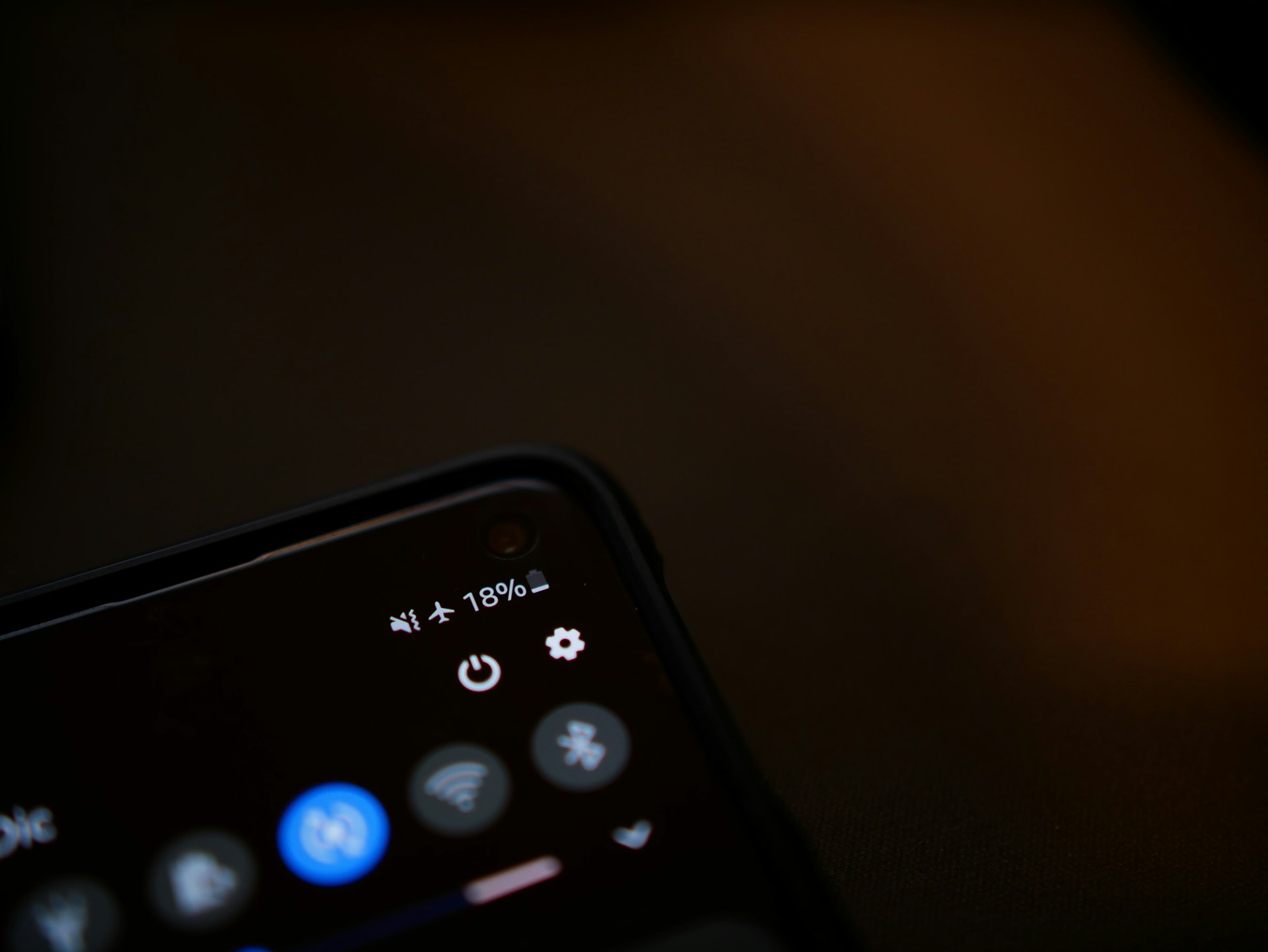
Airplane mode is a built-in setting found on phones, tablets, and many laptops. Despite the name, it is not limited to air travel. The question often comes up when a device suddenly stops receiving calls, messages, or internet updates while everything else appears normal. In simple terms, airplane mode changes how the device connects to networks, not how the device itself operates.
Wireless signals are paused while the device stays active
At its core, airplane mode temporarily disables a device’s wireless communication features. This includes cellular service, WiFi, Bluetooth, and other signal-based connections. When people ask what does airplane mode do, the direct answer is that it stops the device from sending and receiving signals through external networks.
The hardware and software continue running normally. Apps open, photos remain accessible, and stored content works as expected. The screen, camera, and internal processing are unaffected. The only change is that the device no longer communicates with cell towers, routers, or nearby connected devices. It shifts from connected operation to independent operation without shutting down.
The most noticeable change is the absence of live updates
Once airplane mode is active, calls no longer come through and text messages stop arriving in real time. Email and social media apps stop refreshing automatically. Webpages do not load because they rely on active data connections.
At the same time, offline features continue to function. Downloaded music plays, saved documents open, and games that do not require internet access still run. The device behaves consistently in this state. It is not partially broken or restricted. It is simply operating without external communication.
The operating system turns off the communication components
Inside every wireless device are small components responsible for transmitting and receiving signals. These components connect to cellular towers, WiFi networks, and Bluetooth accessories. When airplane mode is enabled, the operating system instructs these communication components to stop active transmission.
This system-level pause is similar to what happens when apps run in the background and the device manages activity without visible changes on the screen. The software recognizes that network access is paused and adjusts background activity accordingly. Apps that rely on internet access wait for a connection. Others continue using stored data. The process is coordinated and predictable, which is why the device transitions smoothly into a disconnected state.
It does not power down the device or change stored data
A common misunderstanding is that airplane mode turns the device off or limits most of its functions. In reality, only wireless communication is affected. Internal storage, installed apps, and core features remain fully available.
Another assumption is that airplane mode permanently alters network settings. It does not. The setting temporarily pauses communication without changing accounts, deleting information, or modifying saved configurations. It is a reversible operating state designed to manage signal transmission, not a reset or shutdown process.
It represents a controlled pause in constant connectivity
Modern devices are designed to maintain continuous connections whenever possible. They check for signal strength, synchronize data, and update content in the background. Airplane mode interrupts that ongoing exchange in a structured way.
From a system perspective, it creates a clear boundary between connected and disconnected states. The device continues functioning internally but does not exchange data with external networks. This behavior is intentional and built into device architecture. It reflects how software and hardware are designed to manage communication without affecting core performance.
Putting it all in context
Airplane mode temporarily disables wireless communication while leaving the device itself fully operational. Calls, messages, and internet-based services pause, but offline features continue working normally. The setting shifts the device from network-connected activity to self-contained operation. This is standard system behavior across modern devices and reflects normal design rather than a malfunction or limitation.
There’s a lot packed into the phone or tablet you use every day. Explore more about its features, settings, notifications, and behaviors.