
What Happens When Apps Run in the Background
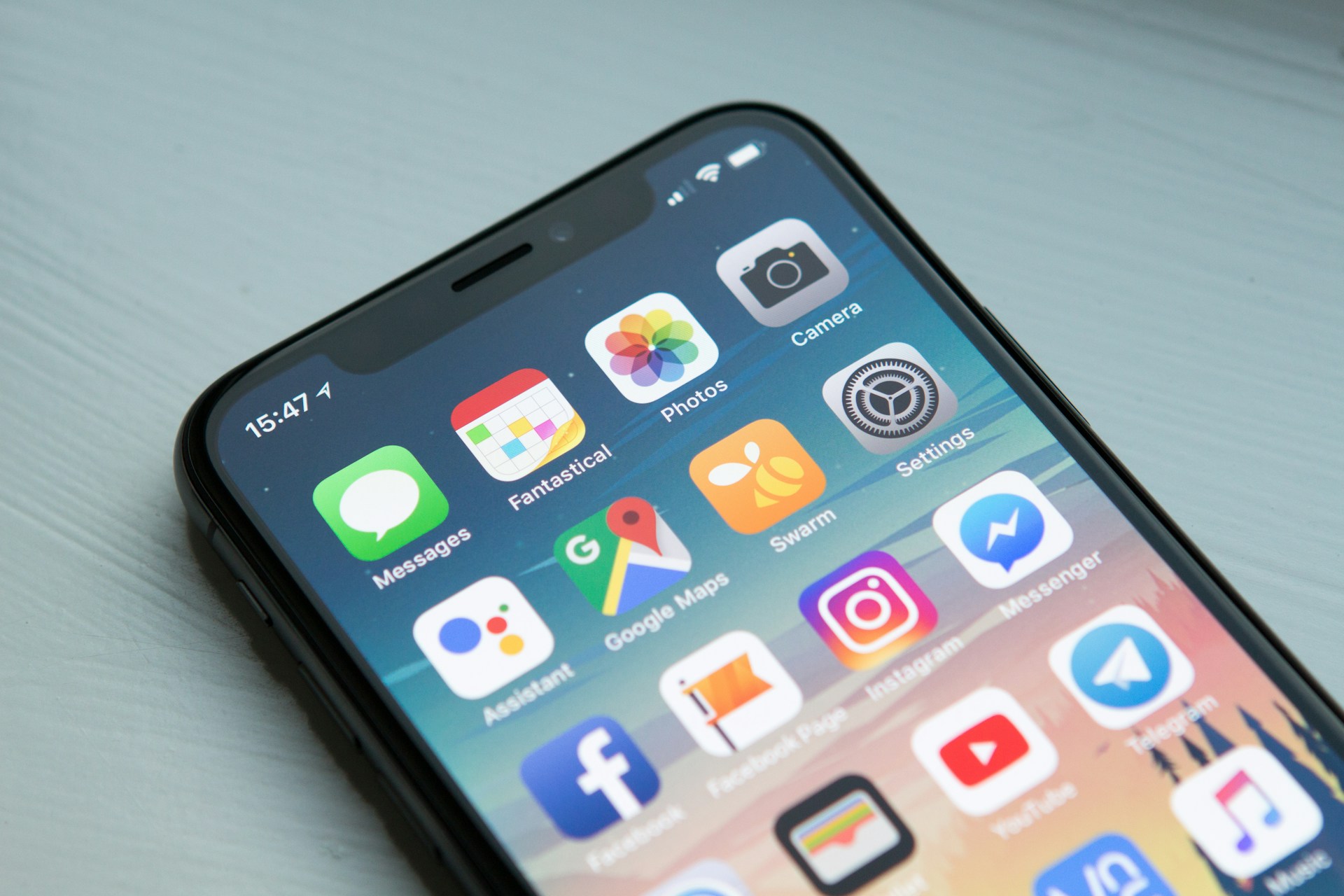
Many people wonder what happens when apps run in the background after they leave the screen. When an app is no longer visible, it does not continue running the same way it did while it was actively open. Modern devices move that app into a controlled background state. This allows limited activity to continue while preventing full, continuous operation. The behavior is part of how operating systems manage multiple apps at once.
This structure explains why activity may appear even when nothing is actively open.
What happens when apps run in the background
What happens when apps run in the background is that the operating system places them into a reduced state with restricted access to system resources. The app is no longer fully active, but it may be allowed short, specific tasks. These tasks are tightly managed and usually brief.
Examples include syncing small amounts of data, maintaining a connection, or preparing information so it loads quickly when reopened. The operating system decides when these tasks occur and when they must pause. Apps do not independently continue without limits. Background activity operates within rules that control timing, duration, and resource use.
Why music, navigation, and notifications keep working
Certain types of apps continue essential functions outside the screen. Audio playback, navigation tracking, and incoming message alerts are common examples. These functions are treated differently from general background updates because they support ongoing system-level processes.
When music continues or directions remain active, only specific components of the app are allowed to run. The entire app is not fully active. The system separates essential functions from general activity and regulates each accordingly.
How the operating system regulates background limits
Operating systems constantly distribute resources across active and inactive apps. Each background app operates under limits that control access to processing power, network connections, and memory.
If system demand increases, background tasks can be delayed or paused automatically. Core services receive priority, while other apps wait until resources are available. Most background interactions occur in short intervals rather than continuous processes.
In practical terms, what happens when apps run in the background is that the system schedules brief, controlled activity instead of allowing apps to remain fully active. This type of resource management is similar to how cached data is stored and reused to reduce repeated processing.
Why background activity does not mean constant operation
It is common to assume that a background app remains fully active. In practice, most background apps spend much of their time idle. They briefly wake to complete a defined task and then stop.
Background status also does not mean constant monitoring or listening. System permissions and restrictions determine what is allowed. Seeing an app listed as recently active often reflects a short interaction that already ended. The label describes recent coordination rather than ongoing use.
What this structure is designed to accomplish
The background app model supports responsiveness without requiring full restarts. Instead of reopening apps from the beginning each time, the system maintains limited continuity. This allows updates to stay current and previously used apps to load efficiently.
At the same time, the operating system enforces boundaries so background processes remain controlled. The result is coordination between readiness and resource management. The design prioritizes efficiency rather than constant activity. In some cases, background limits may become more noticeable if phone storage is full, since available system resources affect how apps are managed.
Putting it all in context
Putting it all in context, apps running in the background operate in a restricted state controlled by the operating system. Limited tasks may continue briefly, while full activity remains paused. This structure allows devices to manage multiple apps without keeping them fully open. Background behavior is a routine part of system design and reflects normal device operation.
There’s a lot packed into the phone or tablet you use every day. Explore more about its features, settings, notifications, and behaviors.