
What Happens When Software Updates Install
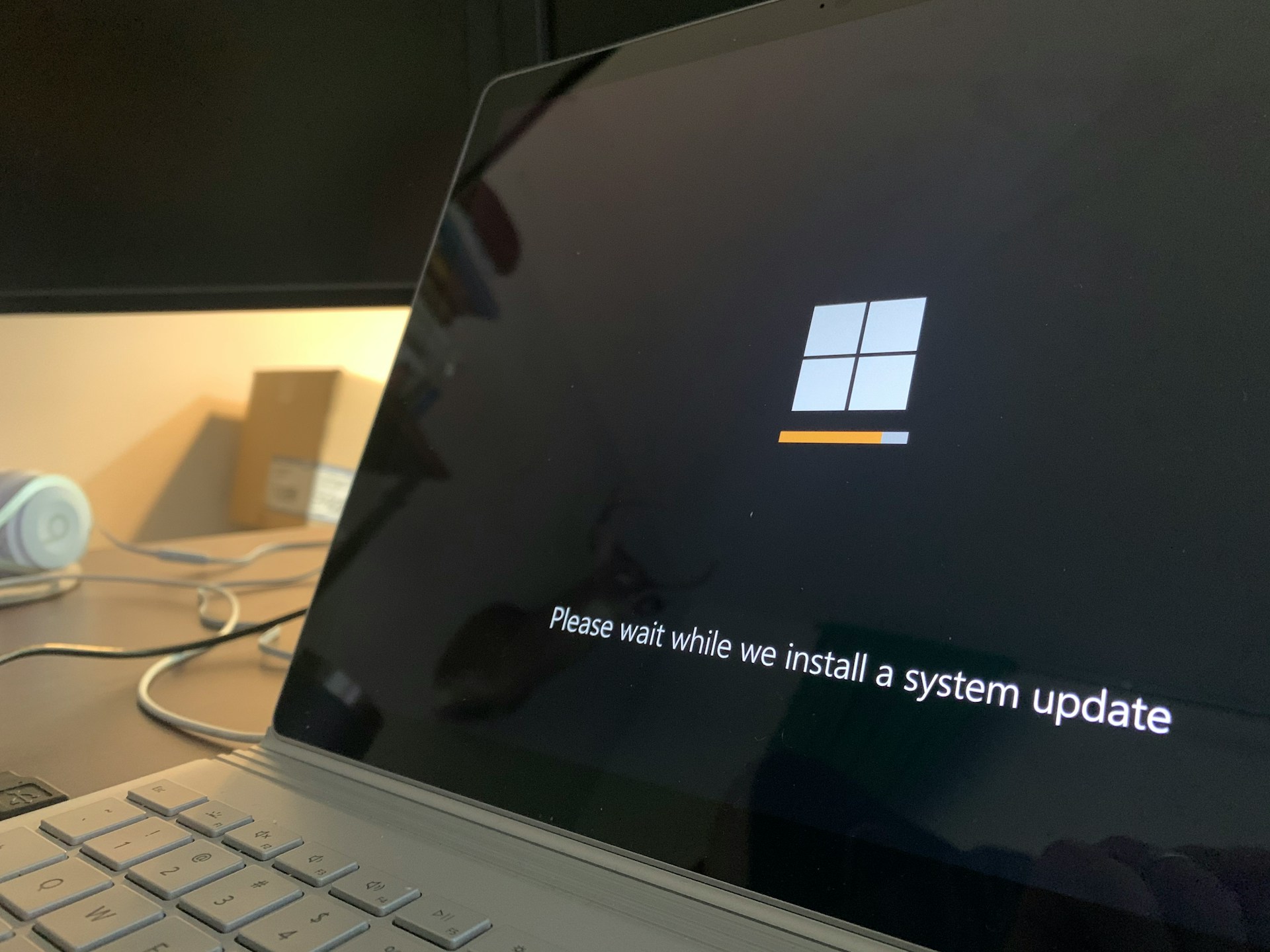
When a phone, computer, or app announces that an update is installing, it usually shows a progress bar, a restart message, or a short pause in normal use. Many people wonder what does a software update actually do and whether it affects their apps, settings, or files. Updates replace selected parts of the software so the system can continue operating as designed.
Most updates swap out specific system files, not everything on the device
A software update is a package of revised code created by the developer of an operating system or app. When the update installs, the device removes certain existing program files and replaces them with newer versions.
These updated files may correct errors, strengthen security protections, adjust how features behave, or introduce new functions. The update does not reinstall the entire system. It targets defined components and leaves the rest unchanged. The core structure of the software remains in place while specific sections are refreshed.
This selective replacement allows updates to occur without rebuilding the device or erasing personal content.
The on-screen restart or loading bar reflects a controlled system pause
From a user perspective, updates appear as short system pauses. A device may restart so newly installed system files can load properly. During installation, background services are temporarily paused to prevent conflicts while files are being replaced.
After the restart, updated components reconnect to the rest of the system. Most visual changes are small, such as a redesigned menu or an added setting. In many cases, no visible changes appear because the update focused on stability or security improvements rather than interface adjustments.
Longer updates usually involve broader system components, which require more files to be replaced and verified.
Each update follows a set sequence: download, verify, replace, reload
Behind the visible progress bar is a structured order of operations.
First, the device downloads the update package from the developer’s server. That package contains replacement files and instructions that identify exactly which parts of the system will change.
Next, the system verifies the package. It checks digital signatures to confirm that the update is authentic and unaltered. This verification step ensures that only approved code is installed.
After verification, the device pauses related services and writes the new files into place. Older versions of those files are removed or archived. If core operating system components are involved, the device restarts so those components can reload in a clean state.
Finally, the system confirms that the updated services start correctly and reconnect with the rest of the software environment.
Personal data is stored separately from the system software
A common concern is that installing an update erases personal information. System updates are designed to modify operating code, not user files.
Photos, documents, messages, and account data are stored in separate areas of the device’s storage. During an update, the installer replaces program files but does not rewrite personal data locations. The process focuses on the software that runs the device, not the content saved on it.
Another misunderstanding is that every update slows performance. Updates often adjust memory handling, compatibility layers, or background processes. For example, if apps continue running while minimized, that behavior is part of how operating systems manage resources, which is explained further in What Happens When Apps Run in the Background. Changes in performance usually reflect structural adjustments rather than a complete rebuild of the system.
Updates keep software aligned with changing technology standards
Software operates within a larger digital environment that includes networks, hardware standards, and security protocols. As those external elements evolve, the software must adapt.
Updates close newly discovered security gaps by replacing vulnerable code with corrected versions. They also maintain compatibility with newer hardware components and updated web standards. Storage systems and online services may also rely on version alignment, which connects to how data is maintained through cloud syncing.
In this sense, updates function as built-in maintenance within the software lifecycle. They keep the system synchronized with current technical requirements.
Putting it all in context
When software updates install, the device replaces defined pieces of system code with newer versions provided by the developer. The process follows a set sequence that includes downloading, verification, file replacement, and, when needed, a restart. Personal data remains stored separately from system files. These updates are routine maintenance steps that keep software aligned with security standards and evolving technology.
There’s a lot packed into the phone or tablet you use every day. Explore more about its features, settings, notifications, and behaviors.