
What Happens When You Scan a QR Code?
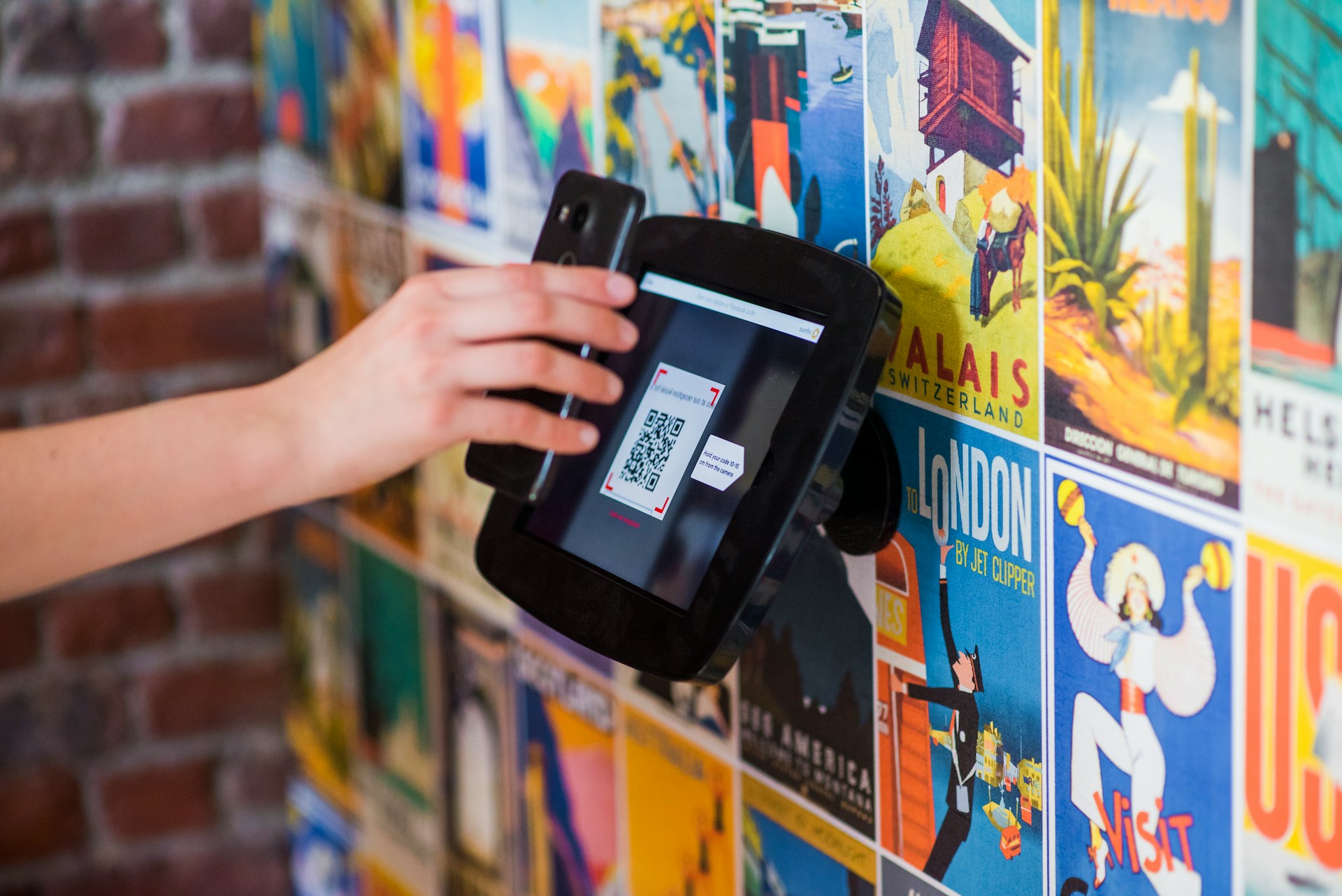
You don’t even have to take a picture. Just point your camera at the code, and a link pops up. Your phone has read the pattern and found a website address inside it.
From there, tapping the link works much like tapping a link in a message. Your browser opens the address and loads the page. The QR code saves you from having to type it.
What Your Camera Is Reading
Those little squares are arranged to store information. Your camera sees the pattern, and software on your phone translates it back into something usable, like an address or a piece of text.
That happens while your camera is showing you the code. You don’t need to save a photo first because your phone already has the view it needs to read it.
The link that appears on your screen is the result. In a typical camera app, your phone has read the address at that point, but it’s waiting for you to tap before opening it. Some scanning apps open links automatically, so that part depends on what you’re using.
The Menu Isn’t Inside the Square
Take a QR code on a restaurant table. It might bring up a whole menu with photos, prices, and ordering options, but all of that generally comes from a website. The code just holds the address.
Once you open the link, the website takes over. Your browser loads the menu the same way it would if you’d typed the address yourself.
That’s why a restaurant can update its menu without replacing the code on every table. The printed address still leads to the same place, even though what’s on the page has changed.
It’s also why a link can appear even when the menu won’t load. Reading the code and reaching the website are separate jobs. Your phone can read the pattern without an internet connection, but it needs one to load the online page.
Why You Don’t Always Get a Website
The phone responds to whatever information it finds in the code. If it finds Wi-Fi details, it may offer to join that network. If it finds contact details, it may offer to save them. Sometimes the code contains nothing more than text for you to read. What your phone offers depends on what the scanning app supports.
So the square itself doesn’t tell you what kind of result you’ll get. Your phone has to read it first.
And when a link does appear, that means the phone recognized an address, not that it has confirmed who’s behind it. A QR code can hand your phone a website address just as easily as someone can send you one in a message.