
What Happens When Your Phone Won’t Charge
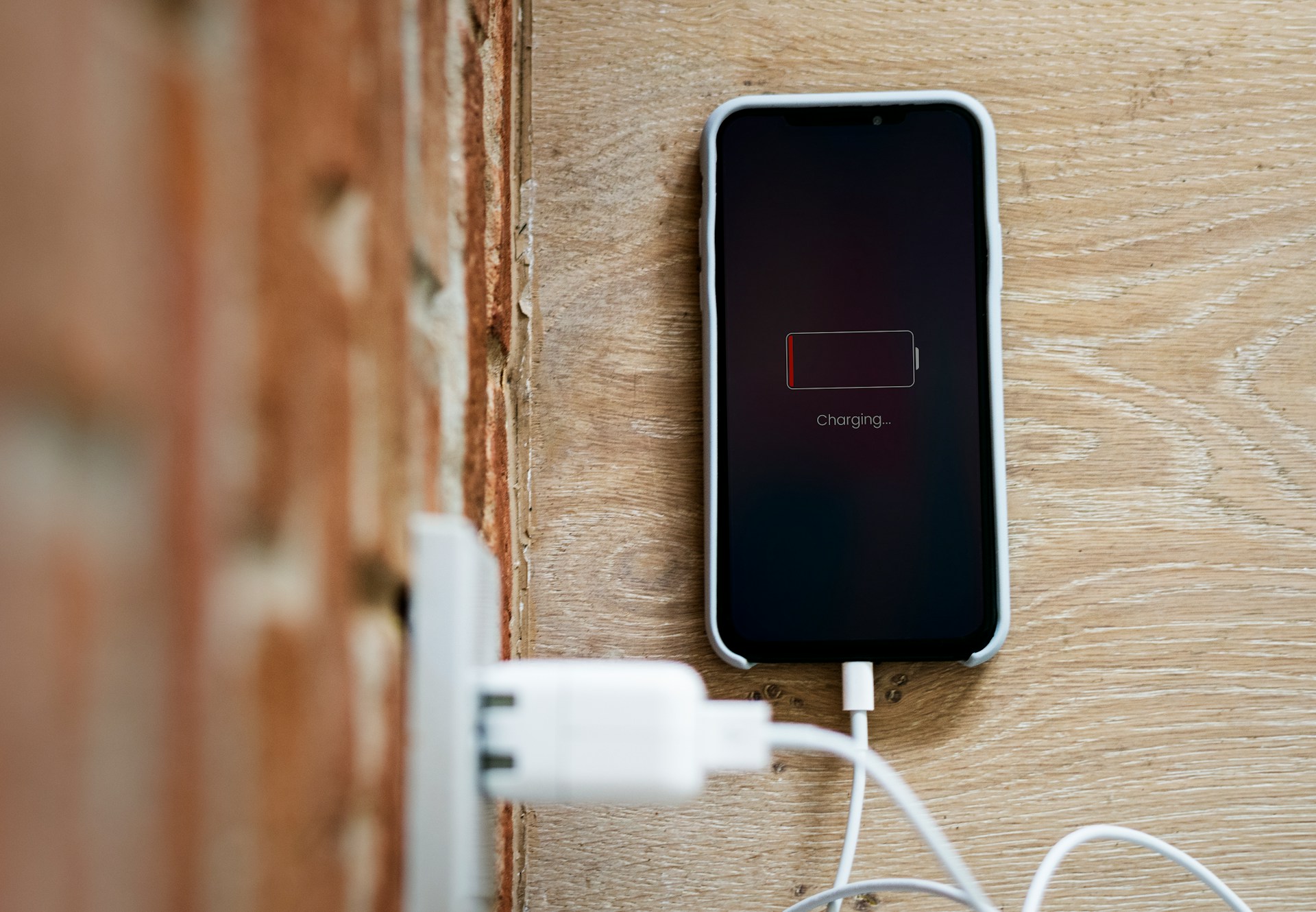
When your phone won’t charge, the device is either not receiving usable power or it has determined that charging should not begin. Charging starts only after the phone confirms that the power source, charging connection, battery, and internal charging controls are all operating within expected conditions.
If that confirmation does not happen, the phone may show no charging symbol, start and stop repeatedly, or display the charging icon without increasing the battery percentage. In each case, the phone is responding to what it detects rather than simply failing at random.
Charging begins only after the phone approves the connection
A phone does not send power directly to the battery as soon as a cable is connected. It first checks whether the incoming power is stable and whether the battery is in a condition that allows charging to begin.
This process involves several parts working together. The power adapter supplies electricity, the cable carries it, the charging port receives it, and the charging controller evaluates whether the connection meets the phone’s requirements.
If any part of that process does not behave as expected, charging may not start.
Charging problems can appear in a few recognizable patterns
A phone that won’t charge usually falls into one of several observable patterns. The device may show no response when connected to power, charging may start and stop repeatedly, or the charging symbol may appear while the battery percentage remains unchanged.
Other patterns can appear under specific conditions. Charging may pause after the phone becomes warm during navigation, gaming, or video streaming. Some devices also suspend charging when moisture is detected in the charging port.
A phone may also charge wirelessly while failing to respond to a cable connection. That pattern suggests the battery is still able to accept power, while the wired charging path is not completing normally.
The phone checks power, temperature, and battery status
When a charger is connected, the phone evaluates several conditions before allowing energy to flow to the battery.
It identifies the power source, confirms that voltage and current are within an acceptable range, and reviews battery temperature and charge status. If these readings remain within expected limits, charging begins.
If one or more readings fall outside those limits, the phone may reduce charging speed, pause charging, or block it entirely. This behavior is part of the device’s normal power management system.
The charging icon only shows that power was detected
A charging symbol does not necessarily mean the battery is gaining power. It indicates that the phone recognizes an external power source.
If the incoming power is weak or unstable, or if the phone is using energy as quickly as it receives it, the battery percentage may remain unchanged.
The battery itself is only one part of the charging process. The cable, adapter, charging port, sensors, and charging controller all influence whether stored battery power actually increases.
Charging is part of the phone’s broader power management system
Modern phones continuously monitor battery health, temperature, and power use. Charging is one function within that larger system.
The same controls that regulate charging also determine when charging should slow down or stop temporarily. This is closely related to what happens when your phone overheats, since high temperatures can cause the device to limit charging until conditions return to a normal range.
A phone that will not charge is often responding to those system checks rather than to a single isolated failure. Similar system behavior also explains why phone batteries drain so fast, since charging and battery use are both managed by the same power controls.
Putting it all in context
When your phone won’t charge, the device is either not receiving usable power or it has determined that charging should not begin under current conditions. Charging starts only after the phone confirms that the charger, connection, battery, and internal power controls are all working within expected limits.
What appears to be one simple problem is often the result of the phone monitoring power quality, temperature, and battery status before allowing energy to flow into the battery.
There’s a lot packed into the phone or tablet you use every day. Explore more about its features, settings, notifications, and behaviors.