
What Is Bluetooth?
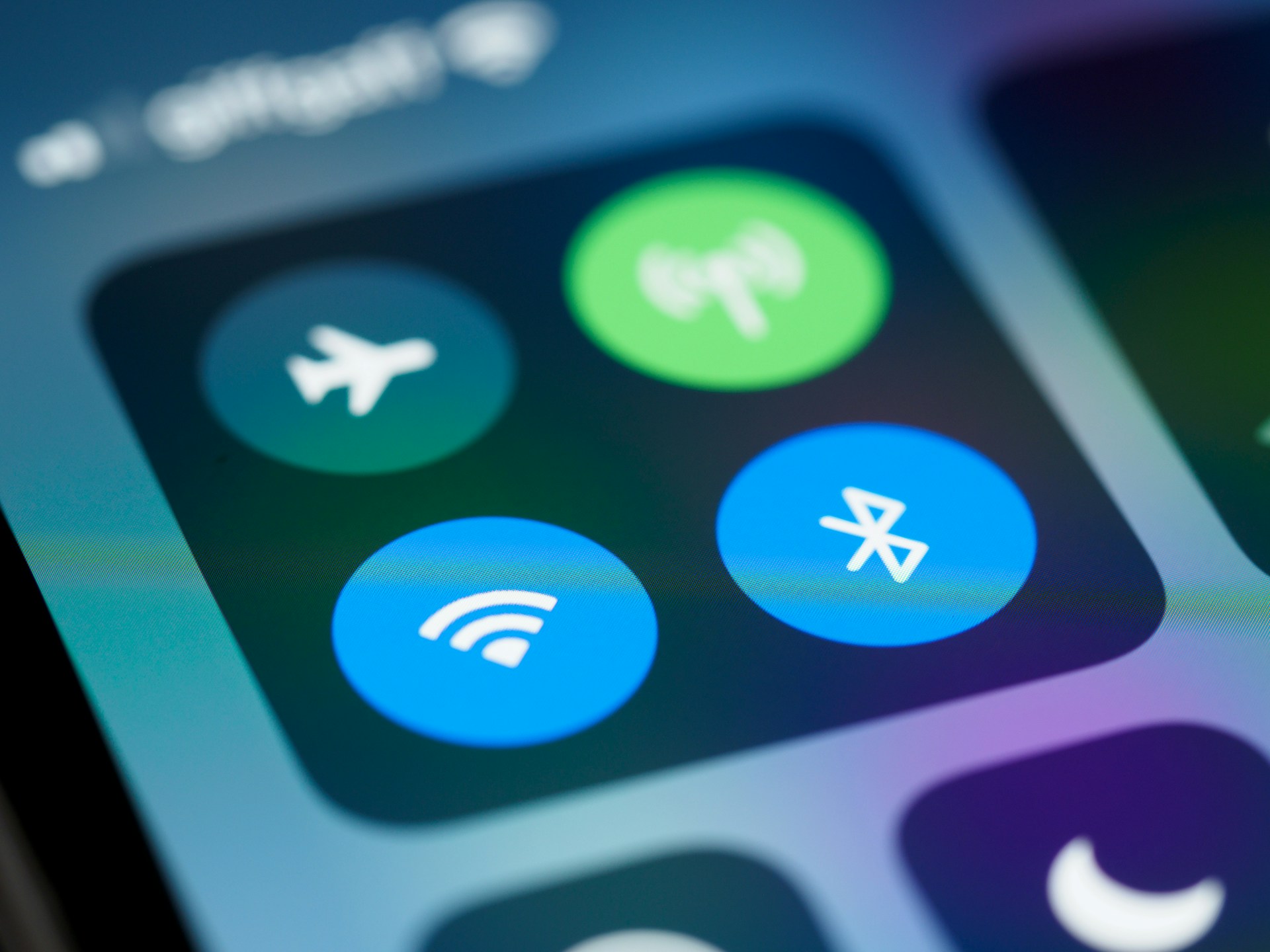
Your phone can keep playing music through wireless headphones even after you turn off Wi-Fi or lose your internet connection. That might seem strange at first. If the phone is no longer online, how are the headphones still playing the song? The answer is that the headphones have their own direct wireless connection to the phone.
That connection is Bluetooth. Bluetooth is a way for nearby devices to communicate directly with each other using radio signals instead of a cable. It can connect a phone to headphones, a laptop to a mouse, or a phone to a car without sending that information through the internet.
Bluetooth Often Takes the Place of a Cable
Think about a pair of wired headphones. The cable carries the audio from the phone to the headphones. With Bluetooth headphones, the two devices still need a way to pass that audio between them, but the connection is wireless.
The same basic idea works with many Bluetooth devices. A wireless keyboard sends keystrokes to a computer. A phone sends audio to a speaker. A car and phone can exchange information while they are connected.
Bluetooth and Wi-Fi Can Work at the Same Time
Bluetooth can be easy to confuse with Wi-Fi because both allow devices to communicate without wires. But they are usually connecting different things.
Wi-Fi commonly connects a phone or computer to a local network, which may provide access to the internet. Bluetooth commonly connects that phone or computer directly to something nearby, such as headphones, a speaker, a keyboard, or a car.
That is why turning off Wi-Fi does not necessarily stop Bluetooth headphones from working. The phone may lose its Wi-Fi connection while its separate Bluetooth connection to the headphones continues.
Paired Devices Can Recognize Each Other Again
Pairing lets two Bluetooth devices connect and remember each other.
Once you pair your phone with a set of headphones, they can often reconnect automatically when they are nearby and turned on. Your phone is not looking for them online. It simply remembers the headphones and recognizes them as a device it has connected to before.
Several Bluetooth devices can also be nearby without automatically connecting to one another. Being within range makes wireless communication possible, but proximity alone does not mean every nearby device becomes connected.
Bluetooth is generally meant for relatively short distances, so your headphones may stop playing if you walk too far away from your phone or put too many walls between the devices. The exact range depends on the devices and their surroundings.